Are my files uploaded?
Most tools are designed to process files locally in your browser, so your documents stay on your device.

SimplePDFTools
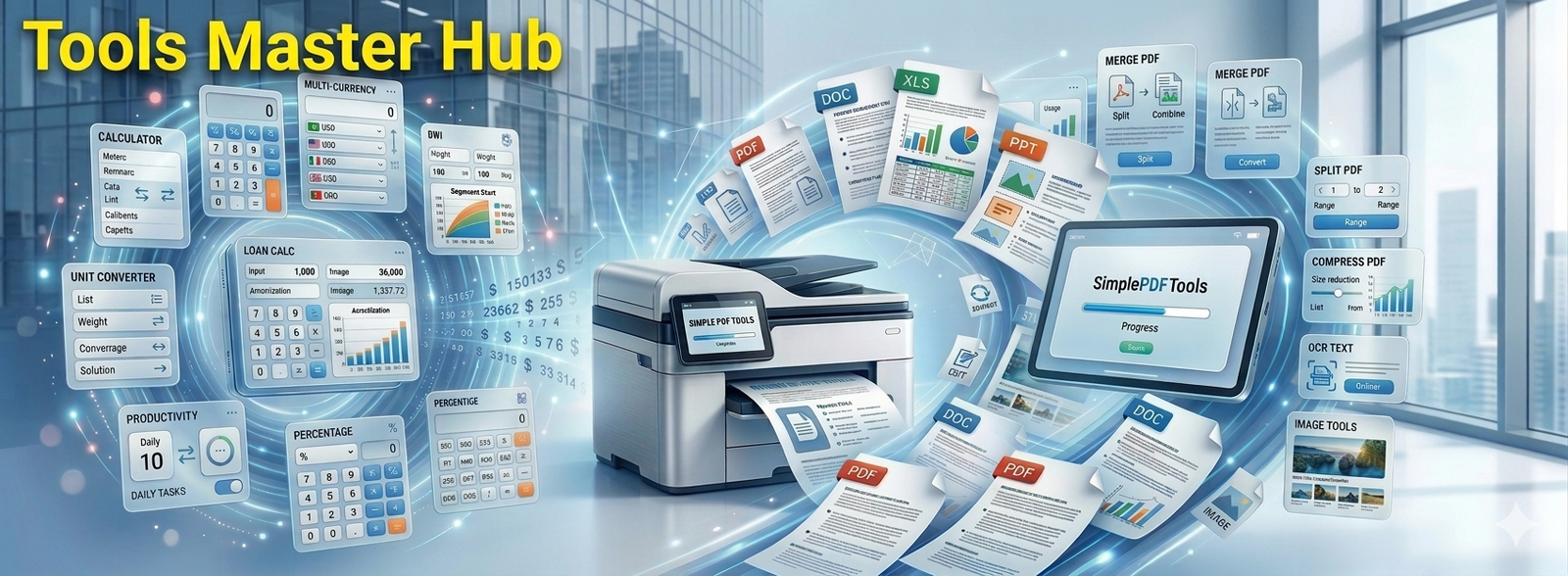
A Member of Tools Master Hub
0 PDF Tools and 0+ Other Tools
100% FREE
Effortlessly convert, edit, and manage your PDF documents without file size limits. The ultimate toolkit for all your digital document needs.
Recommended tools for safer downloads, browsing, and file backup
Helpful security and backup resources for users who download, edit, and manage documents online.
Quick shortcuts to the tools most visitors usually need first.
Combine multiple PDF files into one document.
Separate PDF pages into smaller PDF documents.
Package converted PDF outputs into a ZIP file.
Convert PowerPoint presentations into PDF files.
Convert PDF content into an editable Word-style document.
Export PDF pages as image files for sharing or design use.
Turn JPG images into a clean PDF document.
Extract tables and structured data from PDF documents.
Create invoices for clients, freelancers, and small businesses.
Convert PDFs into easier-on-the-eyes dark mode versions.
Extract searchable text from scanned PDF documents.
Premium offline mini apps, PWA tools, business utilities and downloadable digital products.
NewTurn any PDF into a dark mode document in seconds. Add watermarks, annotations, OCR, page numbers, and export
NewSee your real profit and margin selling AI products — after fees on Etsy, Gumroad, KDP & more...
NewDraw, type, or upload your signature, place it anywhere on a PDF, add auto-date, QR timestamp, undo/redo edits, and download instantly.
New31 free financial calculators for GST, EMI, SIP, tax, loans, investments, savings, and planning.
NewCreate professional invoices in your browser with clean PDF, PNG, ZIP and batch exports. No watermark, no backend, no account required.
NewDesigned for artists and small teams that need clean checklists, revision notes, asset records, delivery details and polished PDFs.
NewRename, organize, batch automation, advanced rules, presets, OCR, with smart workflows & high-volume processing.
Add header, footer, text, watermark, page no, images, shapes, sticky notes, signature, highlight text, blacks out selected text/images.
Draw, type, or upload your signature, place it anywhere on a PDF, add auto-date, QR timestamp, undo/redo edits, and download instantly.
Organize and resize pages with full control over paper size and margins.
Turn one big PDF into perfectly renamed, individual files.
Rename, organize, batch automation, advanced rules, presets, OCR, with smart workflows & high-volume processing.
Clean, straighten, and optimize scanned PDFs.
Drag and drop images to create a PDF.
Upload a PDF, fill form fields, add text or checkmarks.
Combine multiple PDF pages into one sheet.
Extract tables from PDF files and convert to CSV format.
Convert PDFs to Excel with high accuracy.
Convert PDFs to HTML preserving formatting.
Convert PDFs to high-quality JPG images.
Convert PDFs to JSON format.
Transform PDFs into high-resolution PNG images.
Convert PDFs to editable MS Word documents.
Convert PDFs to XML format accurately.
Compress PDF files into ZIP archives.
Convert PDFs to high-quality WebP images.
Convert PDFs to editable text.
Transform CSV data into polished PDFs.
Convert Excel spreadsheets to professional PDFs.
Convert HTML files to high-quality PDFs.
Convert JPG images to PDF files.
Convert JSON data into neatly formatted PDFs.
Transform PNG images into high-quality PDFs.
Convert speech transcripts into polished PDFs.
Transform plain text into polished PDFs.
Convert WebP images to high-quality PDFs.
Convert XML files to professional PDFs.
Combine multiple PDF files into a single document.
Divide a PDF into multiple files.
Adjust the orientation of PDF pages.
Remove unwanted pages from your PDF.
Rearrange pages in your PDF document.
Apply text or image watermarks to PDFs.
Insert page numbers to PDFs.
Secure your PDFs with password protection.
Remove password protection from PDFs.
Modify PDF metadata like title, author, keywords.
Convert Word documents to professional PDF files.
Transform PDFs into editable PowerPoint presentations.
Convert .doc files to PDF format.
Convert PowerPoint presentations to PDF.
Convert XPS files to universally accessible PDFs.
Convert DWG CAD files to PDF.
Convert Rich Text Format files to PDF.
Convert PDFs to layered PSD files.
Convert Shree Lipi font text to standard PDF.
Convert audio files and trim unwanted parts.
Convert PNR details into a PDF document.
Convert binary files to PDF.
Convert PDF to CorelDRAW (editable SVG)
Convert PDF drawings to DXF format for CAD.
Convert JFIF images to PDF documents.
Convert Jupyter Notebook files to PDF.
Convert files within RAR archives to PDF.
Convert PRN printer files to standard PDF.
Convert PDF text content into spoken audio.
Convert PDFs into editable PowerPoint presentations.
Transform PowerPoint presentations into PDFs.
Convert PDFs to ePub format for e-readers.
Convert PDFs to MOBI format for Kindle.
Extract text from PDF and convert to Markdown.
Fix and recover data from corrupted PDF files.
Convert PDF pages into high-quality TIFF images.
Convert PDF pages into scalable vector graphics.
Merge all annotations, form fields into a single layer.
Turn scanned PDF text into searchable text.
Professional workspace for secure note-taking.
Convert text between UPPERCASE, lowercase, Title Case.
Count words, characters, and paragraphs.
Clean up text by removing unnecessary spaces.
Find specific words and replace them.
Flip your text backward in a single click.
Create clean, SEO-friendly URL slugs.
Format JSON to be readable or compact.
Encode data to Base64 or decode it back.
See your real profit and margin selling AI products — after fees on Etsy, Gumroad, KDP & more...
Perform basic arithmetic operations.
Calculate percentages and percentage change.
Find the final price after a discount.
Calculate Goods and Services Tax for India.
Estimate your Equated Monthly Installment.
Convert between different currencies.
Find your exact age in years, months, days.
Calculate your Body Mass Index.
Complex calculations with trigonometric functions.
Convert units of length, area, volume, weight.
31 free financial calculators for GST, EMI, SIP, tax, loans, investments, savings, and planning.
Estimate paint needed to cover your walls.
Calculate tiles needed for floor or wall.
Determine concrete volume needed.
Estimate bricks required for construction.
Calculate weight of steel bars, plates, pipes.
Calculate interest at a simple rate.
Calculate interest on principal and accumulated interest.
Estimate returns on Systematic Investment Plan.
Plan finances for retirement goals.
Calculate Fixed Deposit maturity amount.
Estimate your income tax liability.
Estimate daily calorie needs.
Determine recommended daily water consumption.
Find ideal body weight based on height and gender.
Estimate baby due date.
Estimate body fat percentage.
Calculate duration between two dates.
Calculate love compatibility.
Generate random numbers.
Convert time between time zones.
Convert between speed units.
Calculate fuel efficiency.
SimplePDFTools keeps your PDF workflow simple and privacy-friendly. If you often download invoices, forms, reports or email attachments, you may also consider VIPRE Antivirus Protection for Home as an extra layer of device protection.
Affiliate disclosure: We may earn a commission if you purchase through this link, at no extra cost to you.
F-Secure offers online protection options for antivirus, VPN, identity protection and scam protection. If you often download PDF invoices, forms, reports or attachments, read our extra PDF safety guide before choosing a protection tool.
Affiliate disclosure: We may earn a commission if you purchase through this link, at no extra cost to you.
If you use SimplePDFTools for invoices, reports, client files or business documents, AOMEI and MultCloud can help with backup, recovery, cloud transfer and document protection workflows.
Affiliate disclosure: We may earn a commission if you purchase through this link, at no extra cost to you.
New and useful tools highlighted for returning visitors.
Make PDF reading more comfortable with dark mode output.
Create invoice PDFs for clients and small business work.
Helpful mini app for 3D artist workflow planning.
Convert PDF drawings into DXF-style CAD output.
Extract searchable text from scanned pages.
Quick answers before you start using the tools.
Most tools are designed to process files locally in your browser, so your documents stay on your device.
The homepage provides free PDF, image, invoice, text, and calculator tools for everyday document work.
No signup is required for the listed browser tools. Open a tool and start working right away.
The homepage layout is responsive and works across desktop and mobile browsers.
You can find tools for merging, converting, editing, reading, OCR, security, invoices, and more.
Some tools can continue working after assets are loaded, but full offline behavior depends on the specific tool and browser.
Read PDFs comfortably at night with a softer dark view. Turn any PDF into a dark-mode document in seconds.
Open PDF to Dark Mode